Content
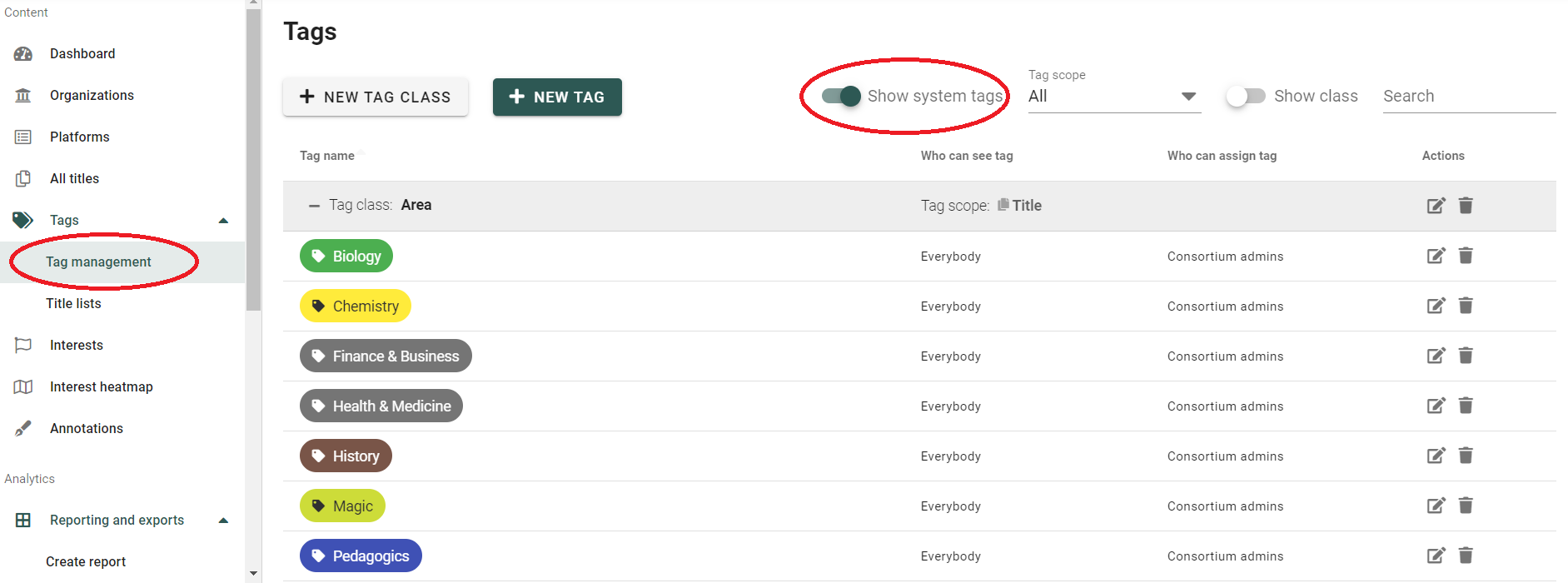
To hide the "Scopus #2" tags in your CELUS account, go to "Tag management" and enable the "Show system tags" slider:
Scroll down to the "Scopus #2" tags and click on the eye icon on the right:
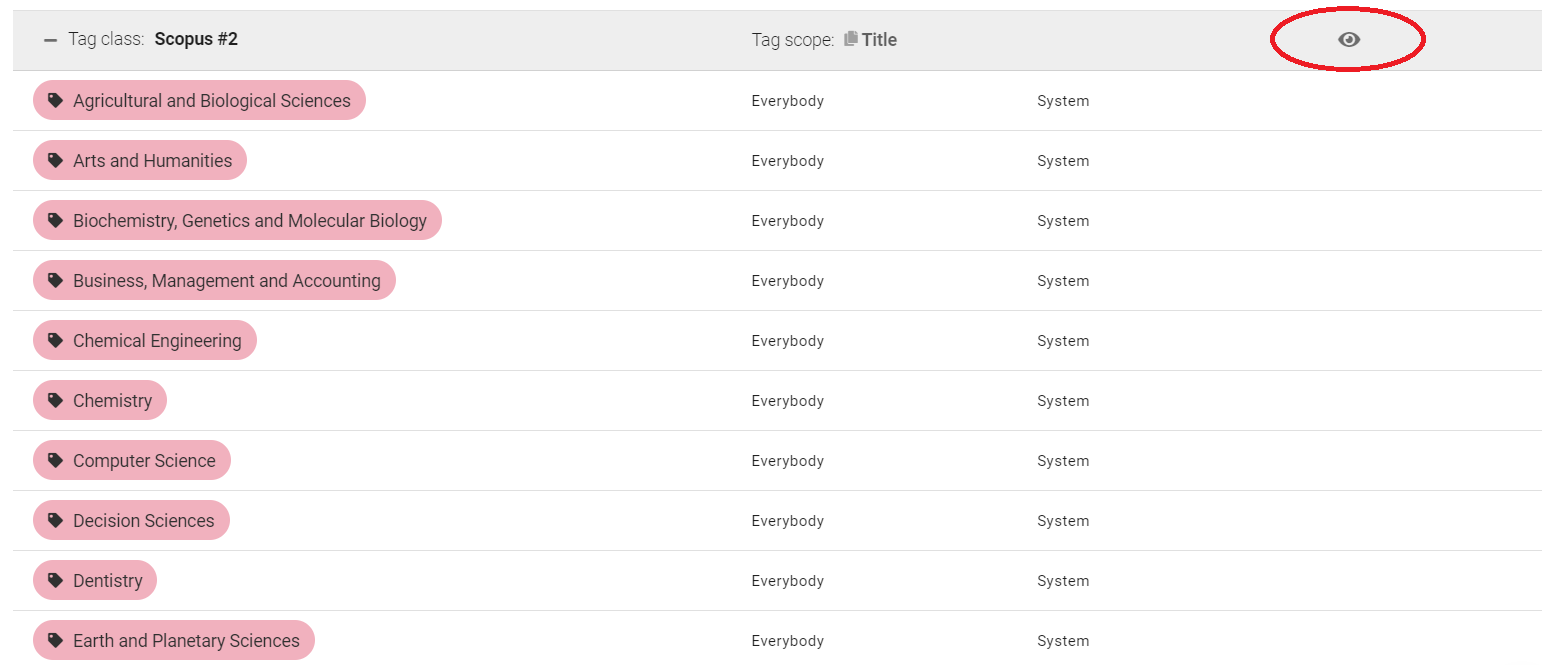
The "Scopus #2" tags are now not visible in your CELUS.
Read more about the "Scopus #2 tags" in CELUS