Content
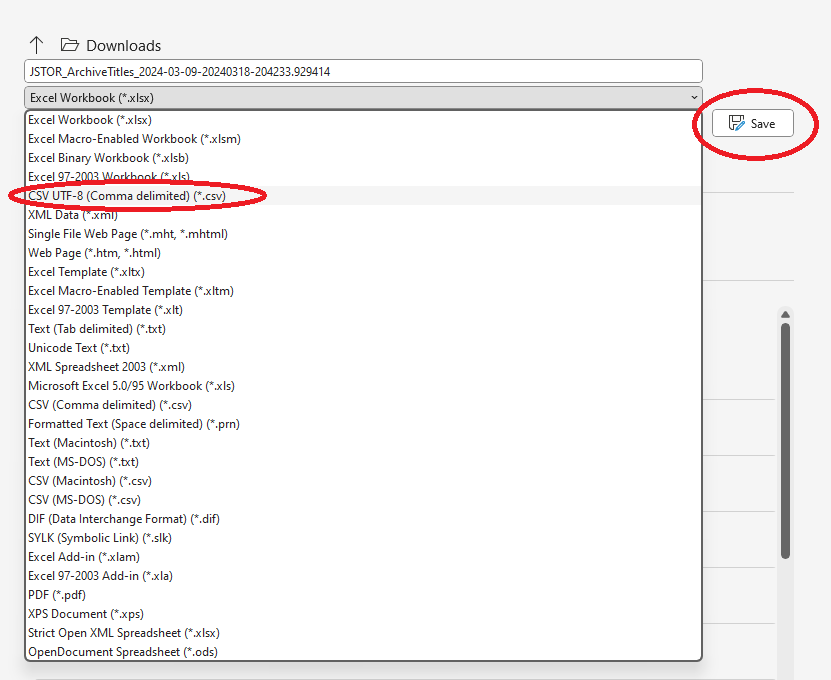
To upload a title list into CELUS successfully, you have to convert the file into a UTF-8 coded coma separated values file, aka .csv file. This is how to do it:
1. Open your Excel file
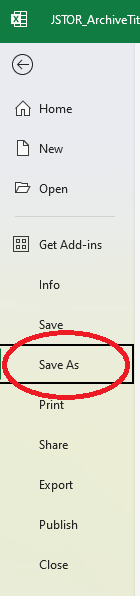
2. Click on "File" in the upper left corner

3. Click on "Save as"
4. Choose "CSV UTF-8 (Comma delimited) (*.csv)" and click on "Save".