Analytics
You can compare your usage data between COUNTER 5 and COUNTER 5.1 using the reporting module in CELUS. The following guide demonstrates an example approach, which can be endlessly customized by enabling or disabling specific metrics and filters.
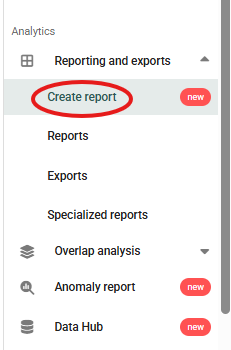
1. Click "Create report" in the left side menu:
2. Choose the report types you want to compare and uncheck the "Merge reports" box. The report types must be equivalent (e.g. R5 Title Master Report and R5.1 Title Report, or R5 Database Master Report and R5.1 Database Report, etc.):

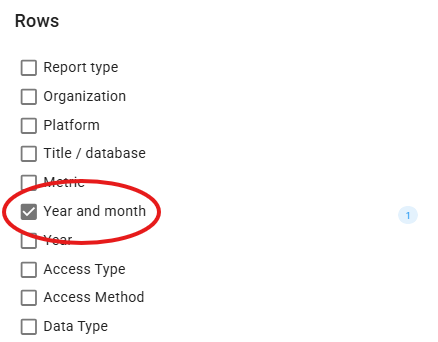
3. Choose Rows. For simplicity and clarity, we are going to choose "Year and month" in this example.
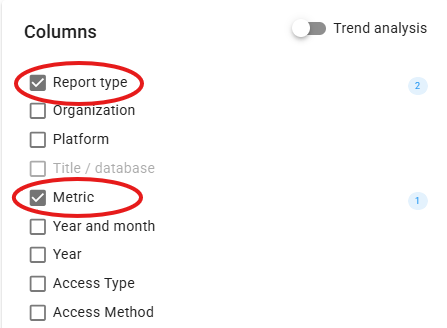
4. In Columns, choose "Metric" (1) and "Report type" (2):
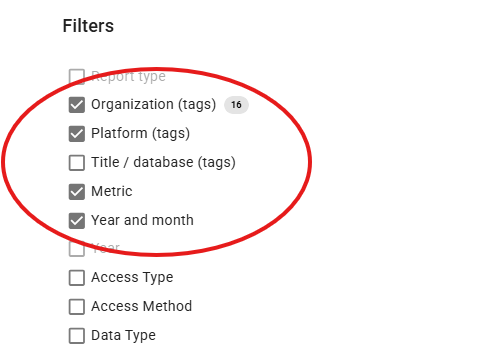
5. In Filters, choose Platform, Metric and Year and month:
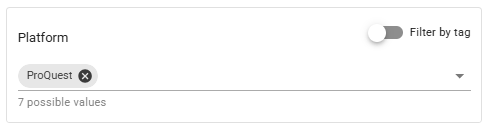
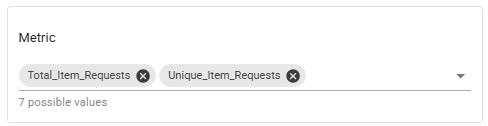
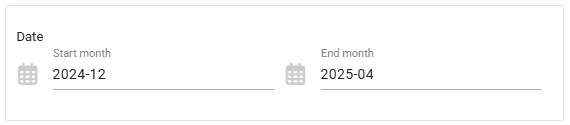
6. In Filter settings, choose the platform you want to compare usage for, the metrics you want to see and a date range. Please note the Data coverage widget which will show you the percentage of data available for your chosen parameters. Aim to have 100% coverage.
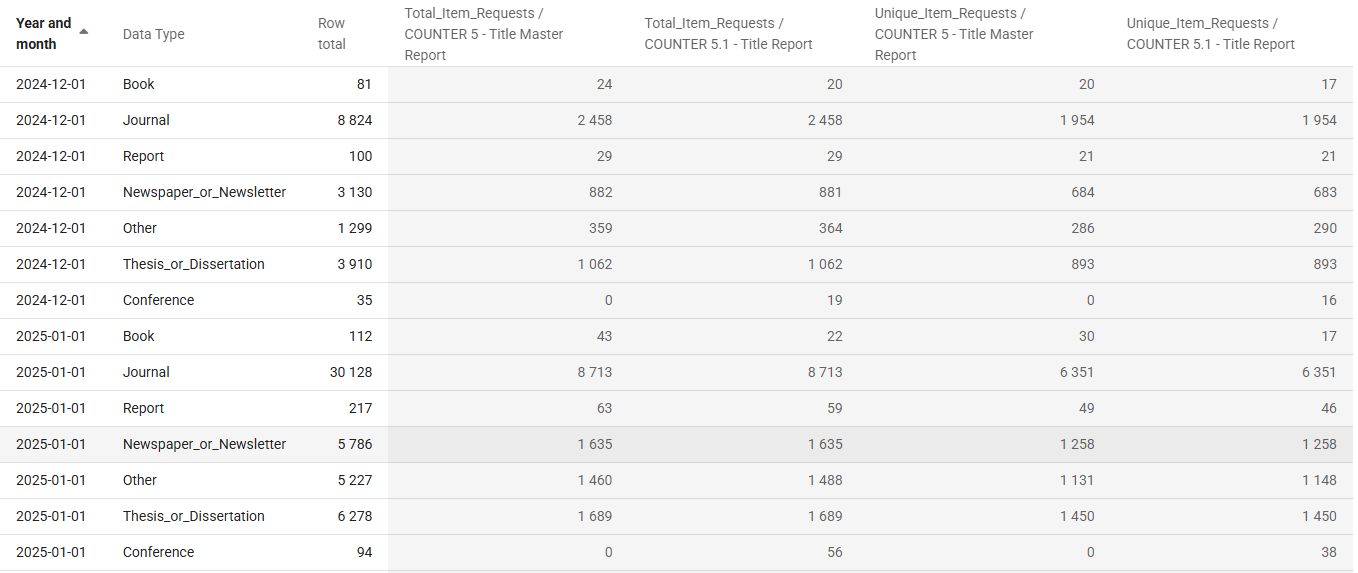
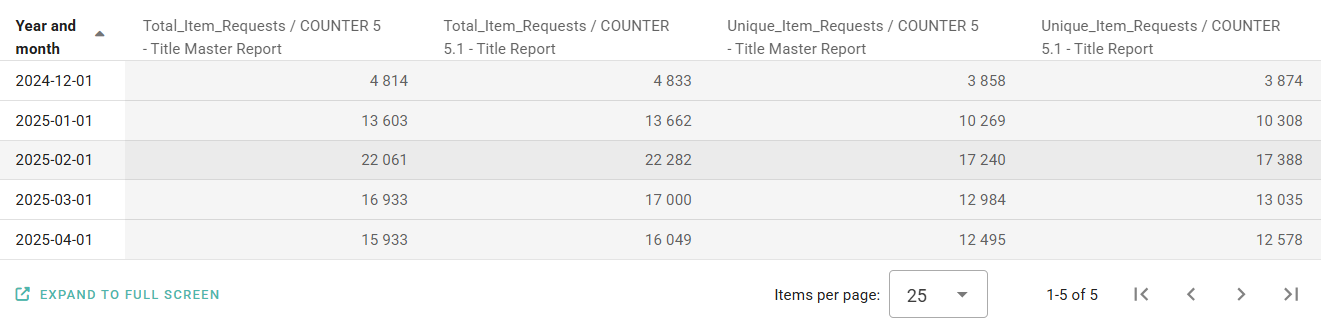
7. Click "RUN REPORT" button. You can now see the compared usage for COUNTER 5 and 5.1. You can save this report by clicking the "SAVE REPORT" button or export it into Excel.
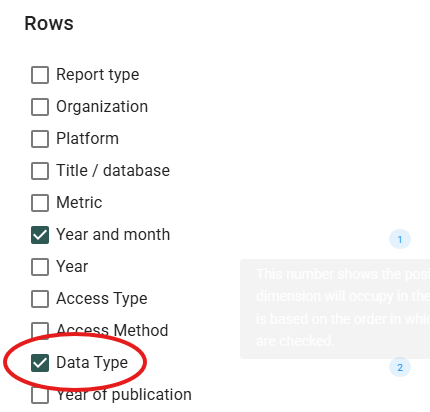
8. Adding "Data Type" under Rows generates a more granular report, allowing you to see usage differences between COUNTER 5 and 5.1 across books, journals, and other resource types.