Data management
CELUS can process many non-COUNTER reports for you and we are continually working on adding more. See what non-COUNTER platforms are already available in CELUS. You can also find there specific information about every individual platform by clicking on its name.
Let's look at how to upload the non-COUNTER reports into your CELUS!
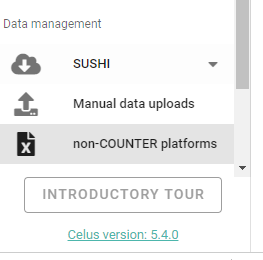
1. In the left sidebar menu, click on the "non-COUNTER platforms":
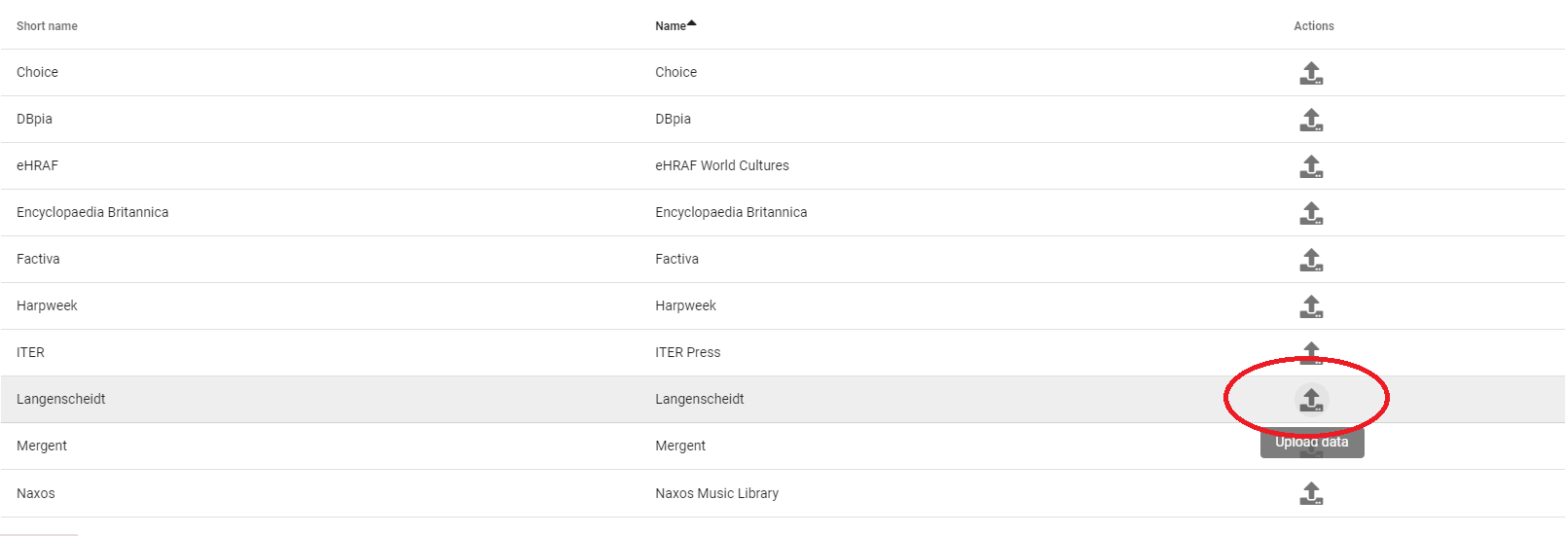
2. Find the platform you want to upload data for and click on the upload icon next to it:
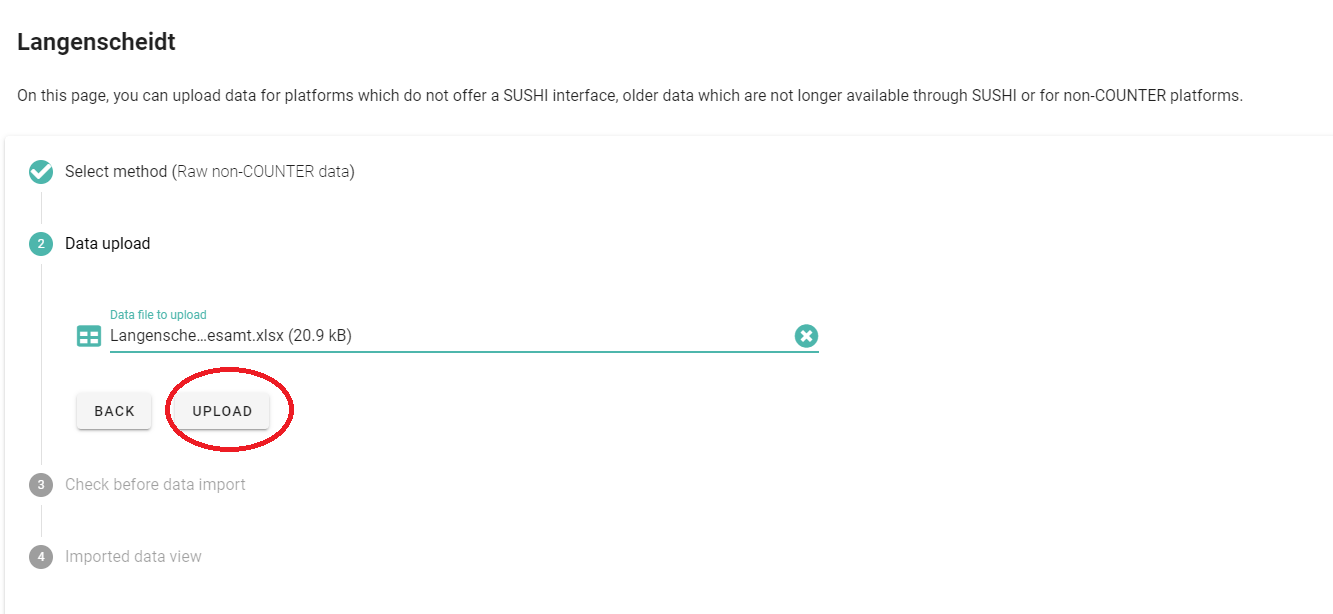
3. Upload the original, unedited .xlsx file that you obtained from the publisher by choosing the file from your PC and clicking on "UPLOAD"
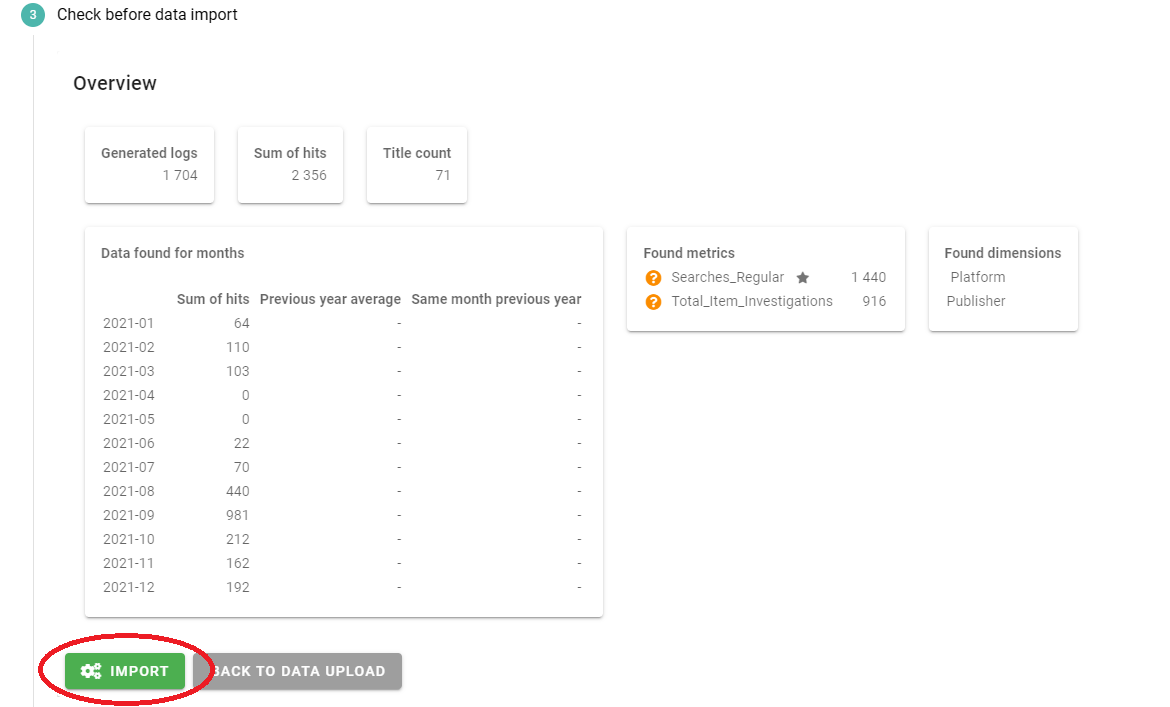
4. Check that the data in the preview are correct and if so, click on "IMPORT"
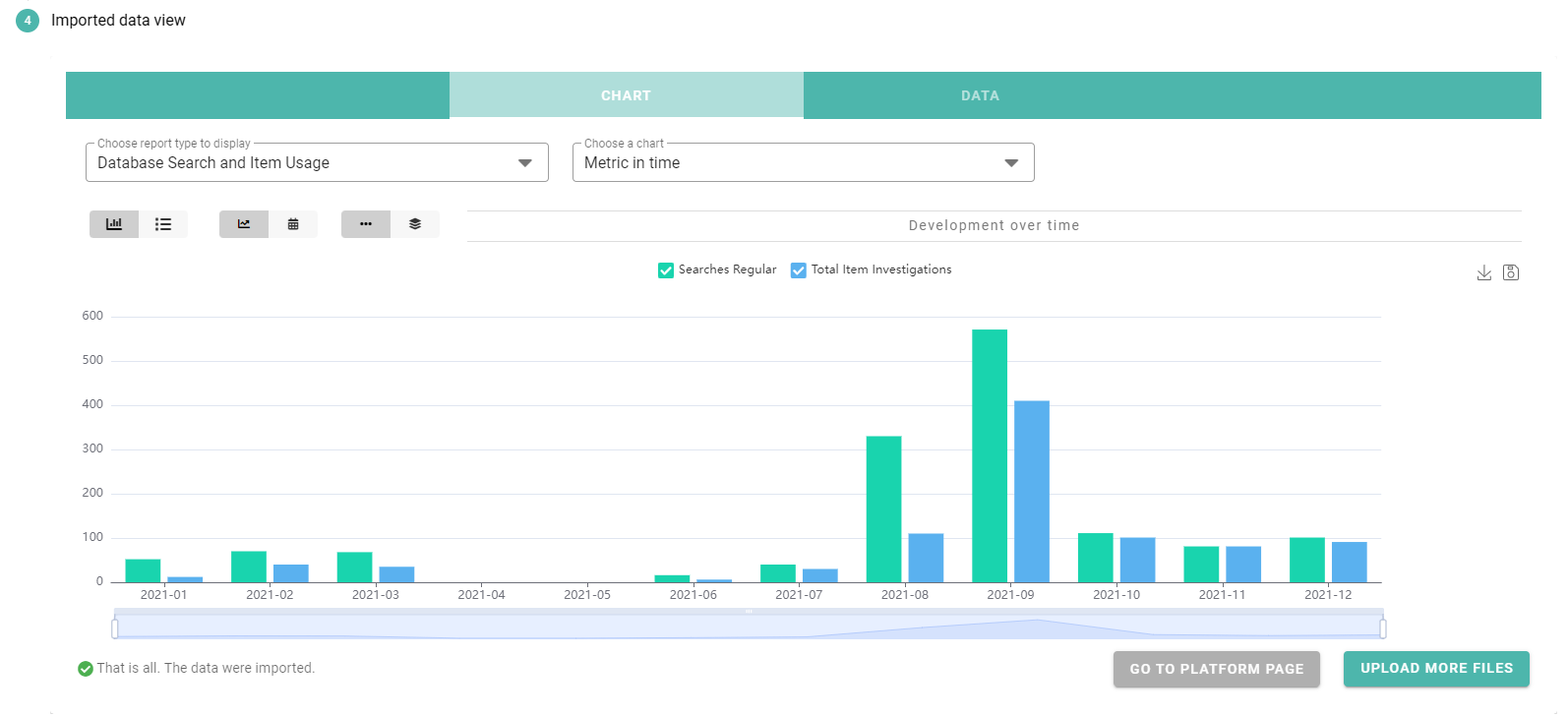
5. Your data is now uploaded! You can see the charts, go to the platform page, or upload more files.